
Counter POS built for speed. Every channel. One screen.
POSMena's Windows POS runs on standard all-in-one touchscreen terminals and connects to cash drawers, receipt printers, barcode scanners, and customer displays — with dine-in, takeaway, and delivery orders managed from a single cashier station.
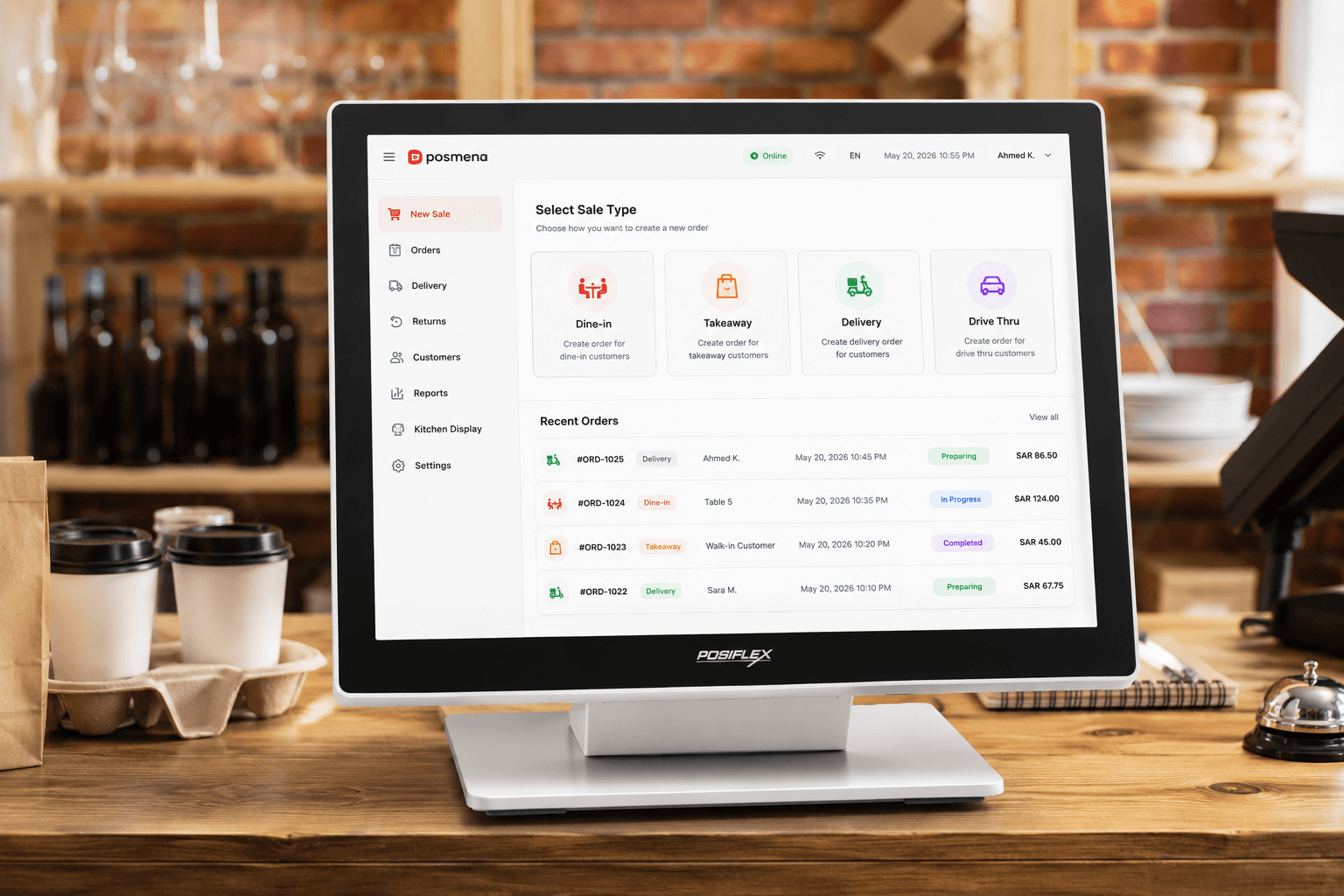
High-speed counter interface
Large-screen touchscreen layout designed for peak-hour cashier throughput. Category browse, item search, and modifier selection in two taps.
Multi-channel order queue
Dine-in, takeaway, and delivery orders appear in a single unified queue. No switching screens, no missed orders.
Peripheral integration
Cash drawer, thermal receipt printer, barcode scanner, and customer-facing display connect natively — no middleware, no driver hunting.
Customer display
Second screen shows order items and total to the customer in real time as the cashier builds the transaction. Reduces disputes, speeds checkout.
Live reports & food cost
Sales by item, category, and shift — with real-time food cost deduction from inventory at the moment of sale.
Local e-invoicing, built in
QR invoices, digital signatures, and tamper-resistant audit logs at point of sale. Adapts to your country's e-invoicing authority with no separate module.
Full-screen menu. Order built in seconds.
The Windows POS cashier screen is designed for counter speed — large item tiles, visible category tabs, and a live cart column on the right. The cashier sees everything needed to build and confirm an order without scrolling or navigating away.
- Category tabs, item grid, and cart visible simultaneously
- Modifier prompts appear inline — no modal interruptions
- Handles dine-in, takeaway, and delivery from the same screen
- Works fully offline — orders queue and sync when connection restores
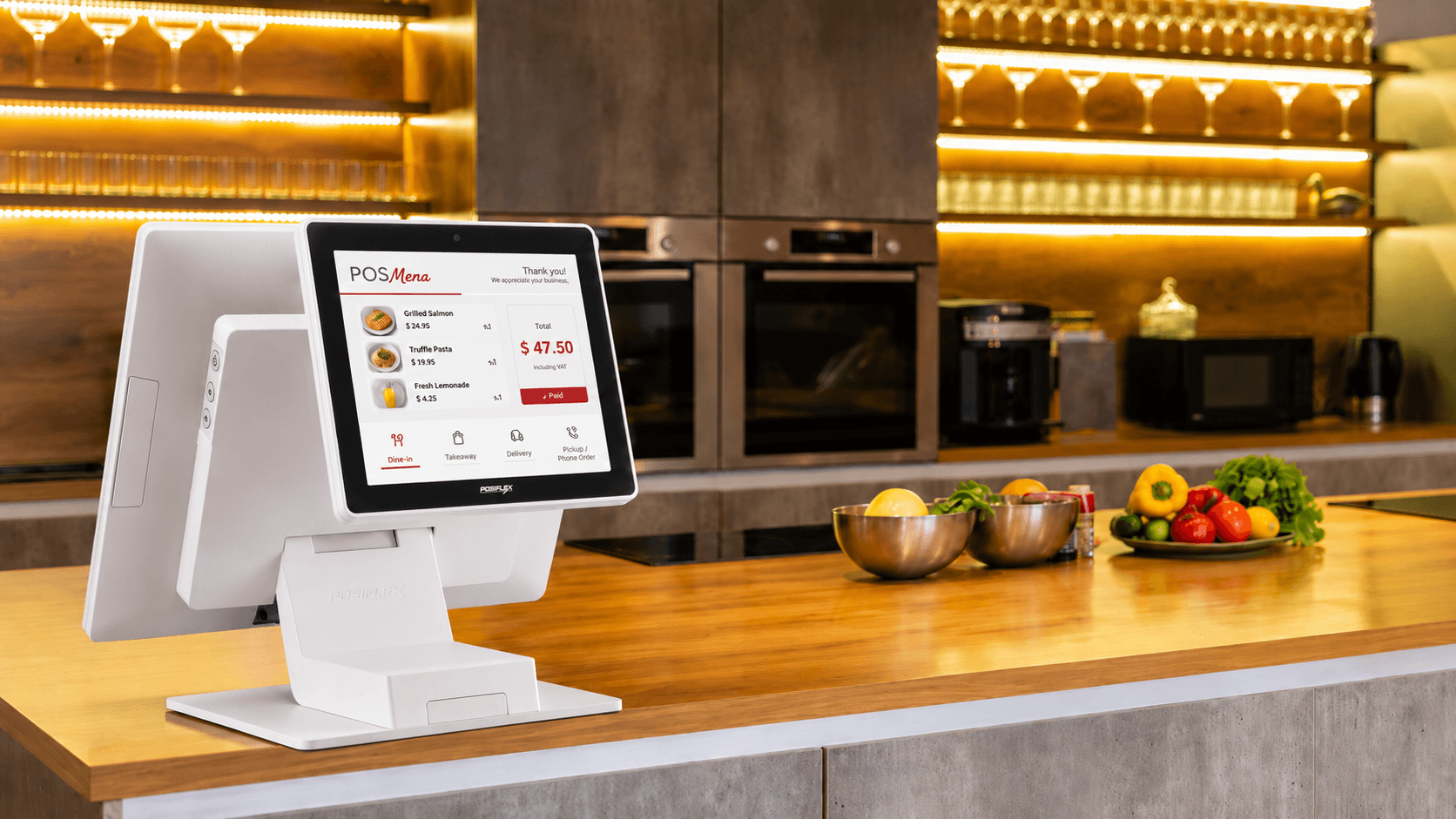
Dine-in, takeaway, delivery. One terminal handles all.
Every order type enters the same queue on the cashier screen. Delivery orders from third-party platforms appear alongside walk-in and phone orders, routed to the kitchen through the same KDS workflow. Nothing falls through the gap.
- Delivery, takeaway, and dine-in orders in a unified queue
- Each order type displays channel tag and preparation timer
- Kitchen receives every order through the same KDS routing
- Driver assignment and delivery status tracked from the same terminal
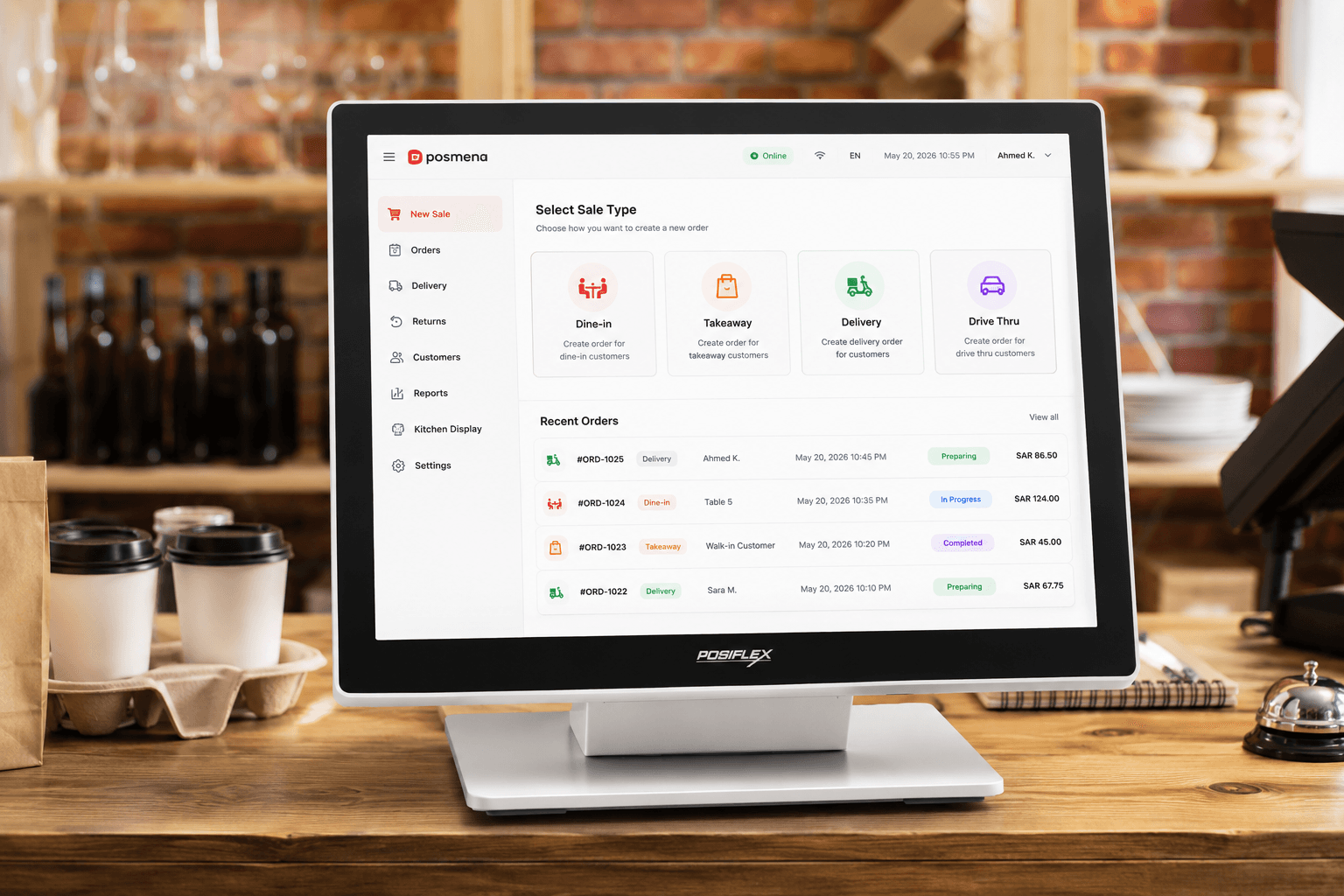
All-in-one terminal. Everything connected natively.
POSMena runs on commercial-grade all-in-one Windows POS hardware — 15" to 21.5" touchscreen, integrated receipt printer port, cash drawer trigger, barcode scanner input, and optional customer-facing display. One unit, full station.
- Compatible with standard 15"–21.5" all-in-one POS terminals
- Cash drawer, receipt printer, and barcode scanner connect natively
- Optional second screen for customer-facing order display
- No proprietary hardware lock-in — works with industry-standard terminals
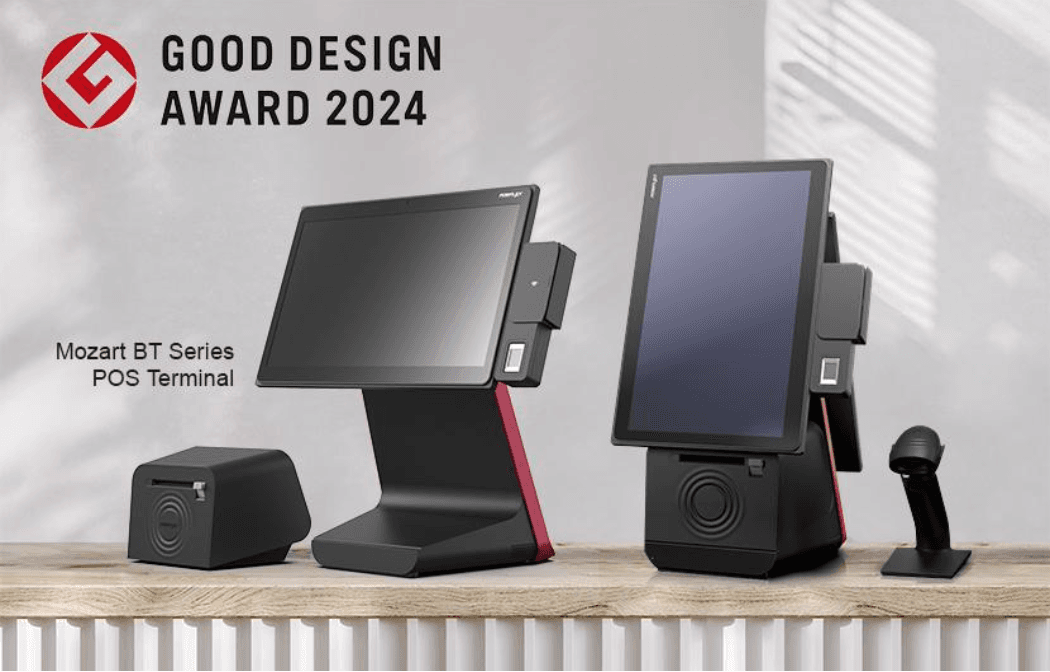
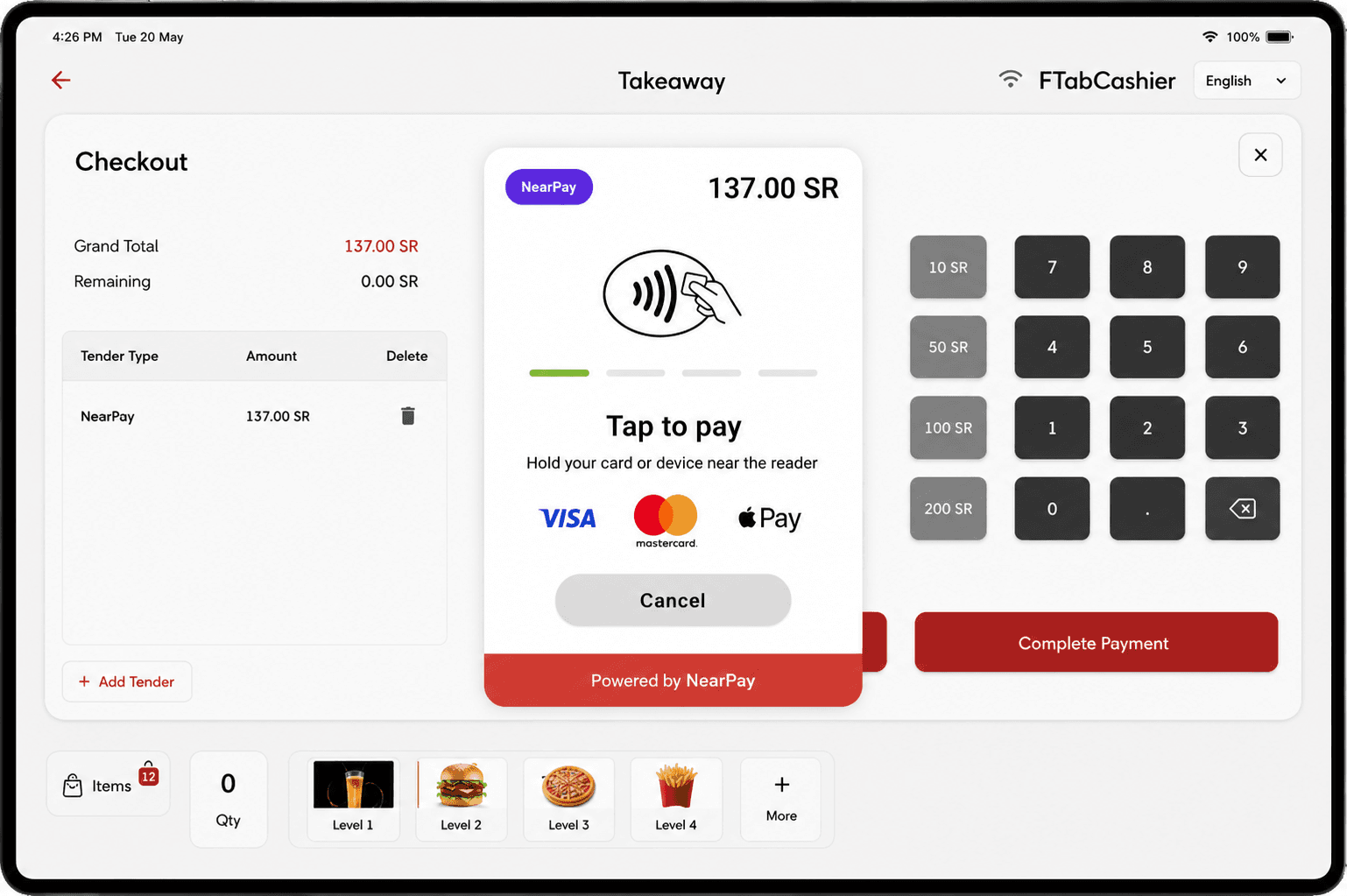
Any payment type. Receipt issued at the tap.
The checkout screen accepts cash, card, split tender, and contactless in a single flow. The integrated payment terminal handles card transactions directly. A tax-compliant e-receipt generates immediately — no second system, no export step.
- Cash, card, contactless, and split payment in one checkout flow
- Integrated payment terminal — no separate card reader pairing
- Tax-compliant e-receipt issued at the point of payment
- Cashier shift reports close with full tender reconciliation
How It Works
Select order type
Choose dine-in, takeaway, or delivery. For dine-in, assign a table number or cover count. For takeaway and delivery, enter the customer name or order reference.
Build the order
Browse by category or search by name. Add modifiers and special requests. The live cart column updates as items are added.
Kitchen receives instantly
The order fires to the KDS the moment it's confirmed — routed by station. Grill, cold prep, and beverage stations each see their items.
Checkout & receipt
Accept payment in any tender type. Issue a tax-compliant e-receipt or print. Close the shift with full cash and card reconciliation.
Built for Your Business Type
Quick-service restaurants
High-throughput counter ordering, unified takeaway and delivery queue, and fast cashier training cycle.
Fast-casual & multi-concept
Multiple order types on one terminal, menu configuration per brand, and real-time food cost by concept.
Retail with F&B
Barcode scanning for packaged goods, VAT auto-calculation, inventory deduction at point of sale alongside dine-in service.
Hotel & institutional F&B
High-volume cafeteria service, staff meal tracking, multi-outlet reporting, and ERP integration for food cost allocation.
POSMena vs Legacy POS
| Capability | POSMena Windows POS | Legacy POS |
|---|---|---|
| Order channels | Dine-in, takeaway, and delivery in a single unified queue | One channel per terminal — separate systems for delivery |
| Kitchen routing | Items route by station automatically — grill, cold prep, drinks each receive their orders | Single printer ticket or manual station handoff |
| Food cost tracking | Every order deducts recipe ingredients and updates branch food cost live | Sales total only — no cost visibility per transaction |
| Local e-invoicing | QR invoice, digital signature, and audit log at point of sale — adapts to your country's tax authority | Requires separate compliance module or manual export |
| Peripheral support | Cash drawer, printer, scanner, customer display — native integration | Proprietary peripherals only or per-device driver configuration |
| Multi-branch reporting | Company, brand, region, and branch — each level with its own menus and costs | Single-location view — no brand or region hierarchy |
Frequently asked questions
What hardware does POSMena Windows POS run on?
+
Can the Windows POS handle dine-in, takeaway, and delivery at the same counter?
+
Does it work offline?
+
Does the Windows POS include local e-invoicing compliance?
+
Can I run multiple Windows POS terminals in one branch?
+
Ready to revolutionize your business?
See POSMena live in a 20-minute tailored demo. No obligation. No credit card.